
Demystifying Home Networks: A Comprehensive Guide to How Your Internet Works
Ever wondered what happens when you type an address into your browser and hit enter? This article breaks down the complex process of home network communication, explaining the fundamental protocols and devices that make it all possible. Designed for professionals, developers, and tech enthusiasts, this guide provides a clear understanding of how your computer interacts with the internet.
Understanding the Basic Home Network Setup
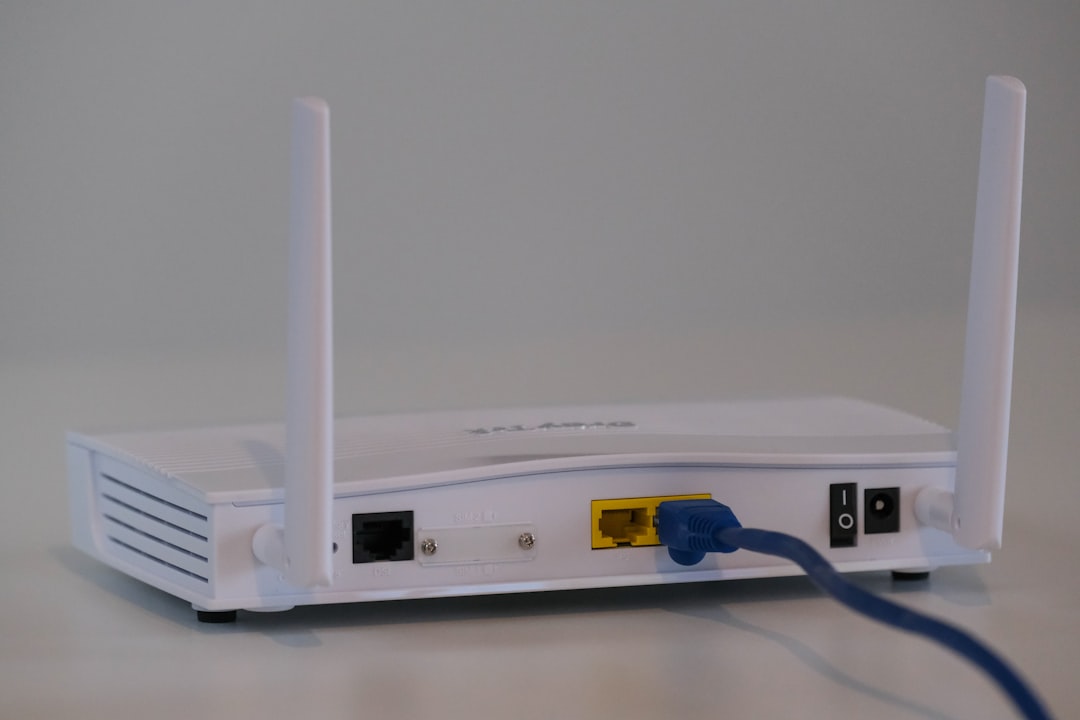
Most homes have a similar network setup. The internet service provider (ISP) provides a connection, typically through a modem. This modem is then connected to a router, which distributes the internet connection to multiple devices within the home.
- Modem: Connects your home to the ISP’s network.
- Router: Distributes the internet connection within your home network, assigning IP addresses to devices.
- Devices: Computers, smartphones, and other devices connect to the router via Ethernet or Wi-Fi.
The Role of DHCP: Dynamic Host Configuration Protocol
DHCP automatically assigns IP addresses to devices on your network. When a device connects, it sends a DHCP request to the router, which acts as the DHCP server. The router then provides the device with an IP address, subnet mask, gateway, and DNS server information.
Here’s a simplified breakdown of the DHCP process:
- Device sends a DHCP request.
- Router (DHCP server) receives the request.
- Router assigns an available IP address from its pool.
- Router provides subnet mask, gateway, and DNS server information.
- Device configures itself with the provided information.
DNS: Translating Domain Names into IP Addresses
When you type a website address (e.g., baidu.com) into your browser, the browser needs to find the corresponding IP address. This is where the Domain Name System (DNS) comes in. The browser sends a DNS request to a DNS server, which translates the domain name into an IP address.
The DNS resolution process typically involves the following steps:
- Browser sends a DNS request to the configured DNS server (usually the router).
- Router forwards the request to the ISP’s DNS server.
- ISP’s DNS server resolves the domain name to an IP address.
- The IP address is returned to the browser.

Navigating Between Networks: The Role of Subnet Masks, Gateways and NAT
Subnet masks define the network portion of an IP address, while gateways allow devices on a local network to communicate with networks outside of it (like the internet). Network Address Translation (NAT) is crucial for enabling multiple devices within a private network to share a single public IP address.
Key points about Subnet Masks, Gateways, and NAT:
- Subnet Mask: Determines the network and host portions of an IP address.
- Gateway: The IP address of the router, which acts as the gateway to the internet.
- NAT: Translates private IP addresses to the router’s public IP address, allowing multiple devices to share the internet connection.
Accessing Websites: The Complete Journey
When you visit a website like baidu.com, a series of steps occur to retrieve and display the webpage:
- DNS Resolution: The browser obtains the IP address of baidu.com through DNS.
- HTTP Request: The browser sends an HTTP request to the baidu.com server.
- Routing: The request travels through your local network, to the router, and then across the internet to the Baidu server.
- Server Response: The Baidu server processes the request and sends back the website data.
- Rendering: The browser receives the data and renders the webpage for you to see.